
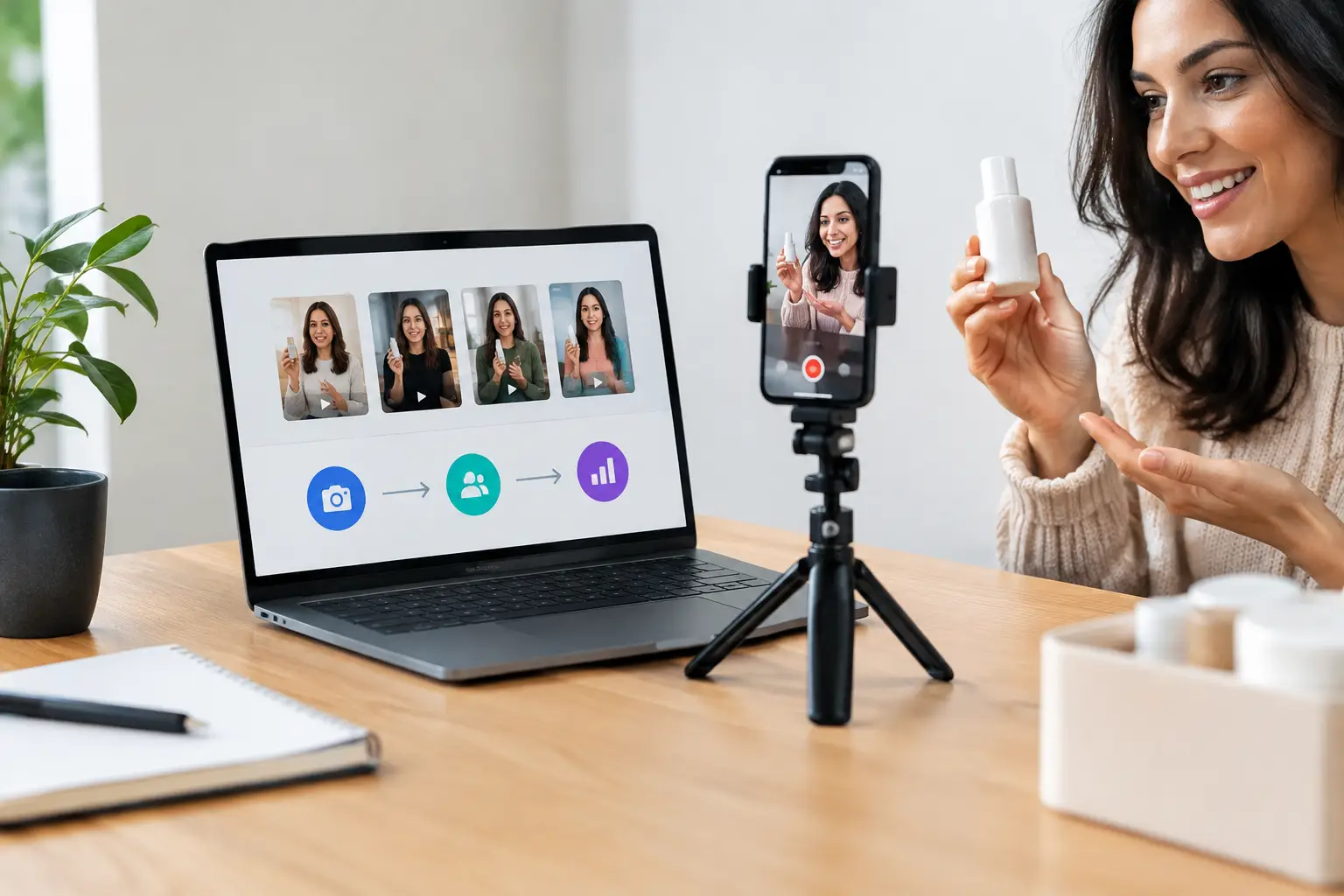
A strong MakeUGC creator workflow is not about generating more videos for the sake of it. It is about getting more credible creative angles into market before your paid media budget gets burned on the same tired concept. For lean growth teams, that means turning a product brief into a repeatable production system that produces ads worth testing, not a folder full of nearly identical clips.
AI UGC can remove a serious production bottleneck. It can help a founder, marketer, or performance team move from idea to usable creative without coordinating talent, shipping products, booking shoots, and waiting through multiple approval rounds. But speed only helps when the process has clear inputs, quality control, and a feedback loop from ad performance.
Start With Angles, Not Avatars
The most common mistake in AI UGC production is beginning with the question, Which creator should deliver this? That is a casting decision, not a growth strategy.
Start with the commercial job the ad needs to do. A local service business may need to overcome trust concerns. A SaaS company may need to make a complicated workflow feel simple. An ecommerce brand may need to show a product solving an annoying, recognizable problem in the first three seconds.
Before opening MakeUGC, build a small angle bank. Each angle should pair one audience tension with one product outcome. For example, a CRM could be framed around missed follow-ups, scattered lead data, slow response times, or the inability to see which campaigns create revenue. The product may be the same. The reason someone stops scrolling is not.
Keep every angle specific enough to become a script. Weak angle: save time with automation. Strong angle: I stopped copying Facebook leads into a spreadsheet every morning, and now every lead gets a text within a minute.
This distinction matters because AI creator tools can produce polished delivery, but they cannot rescue a vague claim. Cool software gets hot results when the message is built around a real buying trigger.
Build the MakeUGC Creator Workflow Around One Brief
A reliable MakeUGC creator workflow starts with a compact creative brief that anyone on the team can understand. It does not need to be a long strategy document. In fact, long briefs often create generic scripts because they try to communicate every product benefit at once.
For each creative concept, define the target viewer, the core problem, the desired belief shift, the offer or next step, and the proof available. Proof might be a product demo, a customer outcome, a visual comparison, a process explanation, or a clear before-and-after moment. If proof is weak, acknowledge that early. You may have a top-of-funnel awareness ad, not a direct-response conversion ad.
Then write a creative hypothesis in one sentence: If we show this audience that the product removes this specific friction, they will be more likely to take this action.
That sentence gives the team a standard for evaluating the ad later. It also prevents endless subjective feedback such as, I just do not like this version. The better question is whether the version makes the intended belief clear fast enough.
Write Scripts for Retention, Not Brochures
Most paid social videos do not fail because the script is technically wrong. They fail because the opening sounds like an ad before the viewer has a reason to care.
Write in short spoken lines. Lead with an observation, confession, problem, or result that feels native to the channel. Put the product name after the tension has been established unless brand recognition is the point of the campaign.
A useful script structure is simple: hook, problem context, mechanism, proof, and call to action. The mechanism is especially important. Saying a tool helps businesses grow is a claim. Explaining that it captures leads, triggers immediate follow-up, and keeps pipeline activity in one place gives the viewer something believable to evaluate.
Make two or three hooks for each core script, rather than writing ten entirely different scripts at once. This keeps the test focused. If one opening performs better, you can build more variations around the winning tension instead of guessing which of ten variables drove the result.
Match the Creator to the Message
Once the script is clear, select a creator profile that makes the message more believable. A polished professional delivery may work for a B2B software explainer. A casual, phone-shot style may work better for a consumer product, a personal recommendation, or a quick how-to.
Avoid treating diversity of creators as a cosmetic checkbox. The creator should change the context of the message. A busy operator talking about missed leads, for instance, creates a different emotional frame than a marketer discussing campaign reporting. Both can sell the same platform, but they speak to different objections.
Consistency also has value. If a particular creator profile works, use it as a recurring character across several concepts. Familiarity can strengthen brand recall. The trade-off is creative fatigue, especially on high-spend campaigns. Rotate creators when frequency rises or when a format begins losing its stop-scroll power.
Produce in Batches, Then Add Controlled Variation
The fastest teams do not create one video, launch it, and wait. They produce a small test batch with deliberate variation.
For one angle, create several versions that change only one or two elements: the first line, creator profile, visual background, on-screen headline, or call to action. Keep the offer and central message stable. That makes results easier to interpret.
Do not overproduce minor edits before you have evidence. A different caption color rarely fixes a weak message. Put effort into the elements that shape attention and belief: the hook, specificity of the pain point, visible product proof, and pace.
That said, the best batch size depends on your budget and traffic. A business spending a few hundred dollars a month on paid social should test fewer, clearer concepts. A brand with enough conversion volume can afford a broader creative matrix. More variants are only useful when your account can generate enough signal to compare them.
Add a Quality-Control Pass Before Launch
AI-generated creator ads still need human review. Treat MakeUGC output as production-ready material that requires brand and performance QA, not as a finished campaign by default.
Review every asset for accurate product claims, readable captions, natural pacing, correct calls to action, and visual details that could undermine trust. Check that the creator’s delivery matches the script’s tone. A serious compliance message delivered with exaggerated enthusiasm can feel off. A high-energy consumer offer delivered too slowly can lose the viewer before the value arrives.
Also check for channel fit. A video that works for a landing page may need a stronger opening for paid social. A video created for TikTok-style placement may need cleaner framing and more direct proof for a LinkedIn audience. One asset can travel across channels, but it should not be copied blindly.
Feed Results Back Into Production
The workflow becomes valuable when media performance shapes the next round of creative. Track the signals that match the ad’s role. For prospecting video, look at hook rate, watch time, click-through rate, and cost to reach qualified traffic. For conversion-focused creative, connect the asset to leads, purchases, booked calls, or pipeline where possible.
Do not kill an ad solely because it has a lower click-through rate. Some ads attract fewer casual clicks but bring in better leads because the message filters the audience. Likewise, a cheap video view is not a win if nobody takes the next meaningful step.
Keep a simple creative log with the angle, hook, creator type, offer, placement, spend, and outcome. After a few cycles, patterns emerge. You may find that demos outperform testimonials for colder audiences, that founder-style delivery beats polished narration, or that a particular objection consistently creates qualified demand.
Those findings should become inputs for the next MakeUGC batch. This is where content production stops being a creative guessing game and starts operating like an acquisition system.
Where AI UGC Fits and Where It Does Not
MakeUGC is a strong fit when speed, iteration, and message testing matter more than a fully custom shoot. It is particularly useful for paid social testing, product explainers, retargeting variants, offer announcements, and building a baseline creative library when internal resources are thin.
It is not a substitute for real customer proof in every situation. If your offer depends heavily on trust, transformation, or a physical product experience, genuine customer footage and creator partnerships may outperform AI-generated delivery. The smart move is often a mix: use AI UGC to test messaging quickly, then invest in live creator production around angles that prove they can convert.
The winning workflow is not the one that makes the most content. It is the one that helps your team learn faster, keep production moving, and turn every creative test into a sharper next move.