
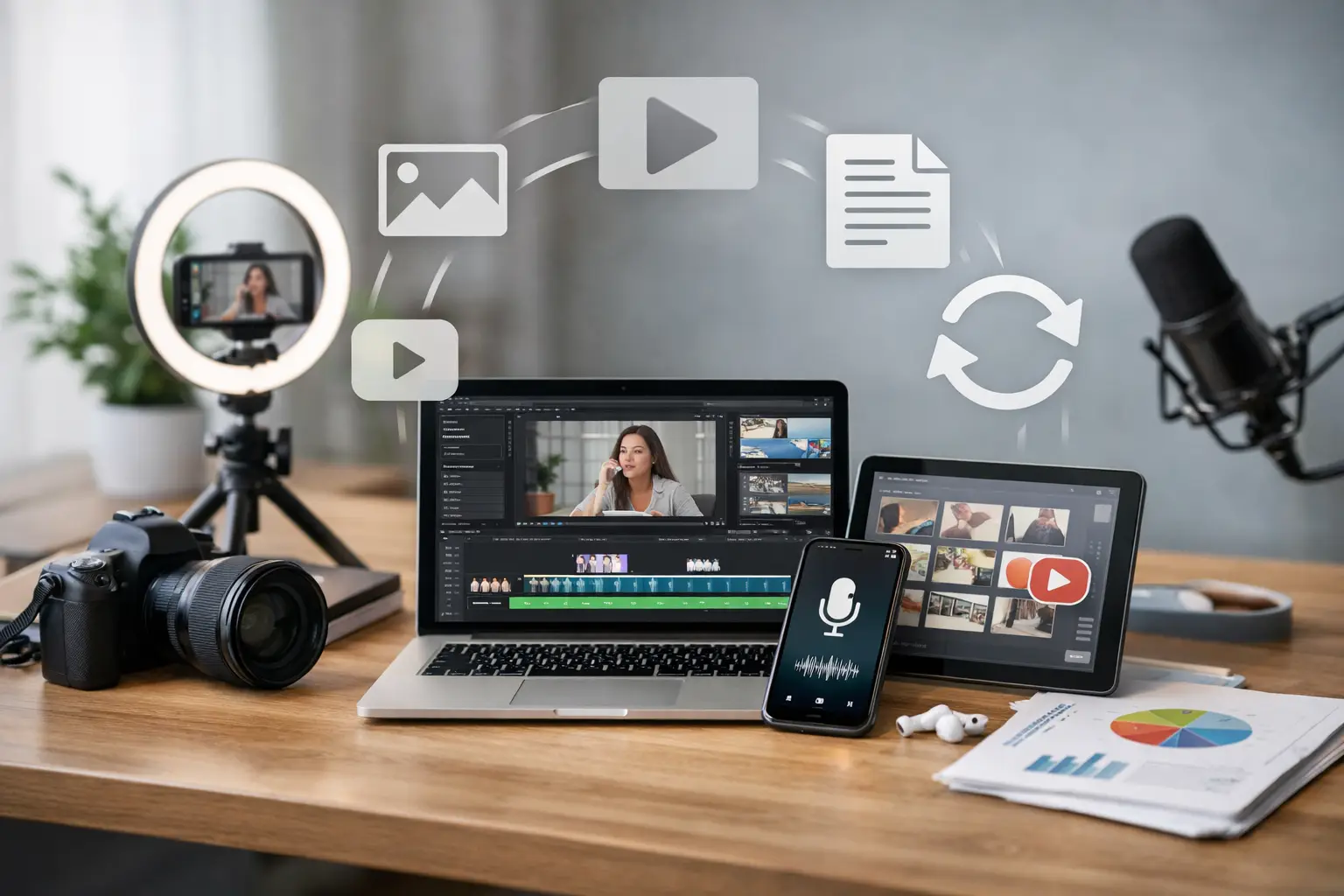
A 45-minute founder interview should not disappear after one YouTube upload. Neither should a high-performing webinar, customer call, product demo, or sales objection your team hears every week. Content repurposing tools marketers use well turn those high-value inputs into a repeatable distribution engine – without asking a lean team to create from zero for every channel.
The goal is not to flood LinkedIn, TikTok, email, and your blog with slightly different versions of the same message. The goal is to preserve the useful idea, then rebuild it for the context where a buyer encounters it. A sharp video clip can earn attention. A carousel can explain the framework. An email can connect it to a relevant offer. A sales enablement asset can help reps move an active deal forward.
Cool software. Hot results. But only if your repurposing stack supports a clear workflow instead of creating another pile of drafts nobody publishes.
Content repurposing tools marketers can put to work
The best tool depends on your source content, distribution channels, and bottleneck. A B2B team that records founder-led podcast episodes has different needs than a local service business filming before-and-after jobs on a phone. Start with the output you need most, then choose software that reduces the slowest step.
1. Descript for transcript-first editing
Descript is a strong fit when your team works with interviews, webinars, demos, podcasts, and talking-head videos. Its transcript-based editor lets marketers edit audio and video by editing text, which makes removing tangents, pulling quotes, and creating short versions much faster than traditional timeline editing.
Use it to turn one long recording into a clean full episode, a written transcript, short video segments, pull quotes, and a rough article draft. It is especially useful for founder-led content, where the raw material is often smart but not perfectly structured.
The trade-off: transcript editing does not automatically create a compelling story. Someone still needs to identify the strongest hook, tension, and takeaway.
2. OpusClip for short-form video volume
OpusClip is built for extracting shareable clips from long-form video. It can identify moments, reframe footage for vertical formats, add captions, and speed up the production of Shorts, Reels, and LinkedIn-native video.
This makes sense for teams with a steady stream of recorded calls, educational videos, podcasts, or webinars. Instead of asking an editor to hunt through 60 minutes of footage, your team gets a starting batch of clips to review and refine.
Do not publish every automated clip. A clip can be technically clean and still be strategically weak. Prioritize moments that make a specific claim, answer a real objection, or show a clear before-and-after result.
3. Canva for adapting ideas into visual assets
Canva earns its place in a repurposing workflow because most content needs a visual translation. A webinar framework can become a LinkedIn carousel. A customer insight can become an Instagram graphic. A sales call quote can become a one-page case study visual or a paid social creative concept.
For small teams, templates protect brand consistency and cut design handoffs. Build a few reusable formats for social posts, carousels, email headers, lead magnets, and customer proof. That gives your team a system rather than a blank canvas every time.
The risk is generic-looking content. Templates should make production faster, not turn your point of view into another interchangeable graphic.
4. ChatGPT or Claude for first-draft adaptation
AI writing tools are useful repurposing assistants when you feed them strong source material and a defined job. Give the model a transcript, a target audience, the channel, and the desired outcome. Then ask for a first draft of a LinkedIn post, email sequence, article outline, FAQ section, ad-angle list, or sales follow-up.
The best prompt is not, “Turn this into 10 posts.” That usually produces polished filler. Instead, direct the tool to identify the contrarian claim, practical steps, customer language, and objections in the source. Ask it to retain the speaker’s point of view and flag any claims that need verification.
AI reduces blank-page time. It does not replace subject-matter judgment, brand voice, or compliance review. Treat its output as a fast draft, not a finished asset.
5. Riverside for cleaner source recordings
Repurposing gets easier when the original recording is clean. Riverside helps teams capture higher-quality remote interviews, podcasts, customer conversations, and video content. Better source files mean better clips, transcripts, captions, and social assets later.
This is an upstream investment, but it matters. Poor audio, laggy video, and unclear speakers create extra work at every downstream stage. If interviews are a recurring content source, improving capture quality can save more time than adding another AI tool.
6. Notion or Airtable for the repurposing operating system
Content does not fail because marketers cannot make enough drafts. It fails because nobody knows what has been created, approved, scheduled, measured, or refreshed. Notion and Airtable can serve as the control center for your content inventory.
Track each source asset, its core angle, target audience, funnel stage, derivative formats, owner, status, publish date, and performance. A single webinar might produce a landing-page section, three video clips, two emails, one blog post, five social posts, and a sales battlecard. Your database should make that visible.
Notion is often easier for editorial collaboration. Airtable is better when you need structured records, views, automations, and reporting. Pick the one your team will actually maintain.
7. Zapier or Make for distribution handoffs
The content process usually breaks between creation and execution. A clip is approved but not scheduled. A transcript is finished but never reaches the writer. A customer quote lives in a folder while the paid media team keeps inventing new angles.
Zapier and Make help connect those steps. For example, when a transcript is marked approved, an automation can create writing tasks, add the source to a content database, notify the right channel owner, or send approved assets to a shared folder. These tools are most valuable when your workflow repeats often enough to justify setup.
Avoid automating judgment-heavy tasks. Automate file movement, task creation, naming, notifications, and status updates. Keep strategy, editing, and final approval in human hands.
Build a content repurposing system, not a content factory
Start by choosing one or two high-signal source formats. For a B2B company, that may be founder interviews, product demos, customer calls, and webinars. For a B2C brand or local business, it may be creator footage, customer testimonials, behind-the-scenes clips, product education, and frequently asked questions.
Then map each source to a commercial purpose. Awareness content should earn attention around a problem or belief. Consideration content should explain the method, product, or proof. Conversion content should address risk, pricing logic, implementation, and outcomes. Retention content should help customers get more value after the sale.
That distinction matters because not every piece should be forced into every format. A bold founder opinion may work as a short clip and LinkedIn post, but it may not make a useful email. A detailed implementation walkthrough may underperform on social yet become a great onboarding sequence or sales follow-up asset.
Use a simple production rule: every primary asset should create at least three channel-native derivatives with distinct jobs. Do not merely resize a video and call it strategy. Change the hook, the context, and the call to action based on the channel and buyer stage.
Measure traction beyond views
Views are useful, but they are not the finish line. Track which source themes produce the outcomes your team actually needs: qualified traffic, email subscribers, demo requests, booked calls, reply rates, assisted pipeline, repeat purchases, or lower support volume.
For B2B, compare content themes against CRM signals. Did a webinar topic create more engaged accounts? Did clips around a specific pain point help outbound reps start more conversations? Did a case-study post influence opportunities already in pipeline?
For B2C, connect creative themes to click-through rate, add-to-cart behavior, conversion rate, retention, and creator performance. The winning asset may not be the most viral one. It may be the one that gives paid acquisition a stronger angle or helps existing customers understand why they should buy again.
Repurposing works when it gives your best ideas more chances to meet the right buyer. Build around real customer questions, protect quality with a clear review process, and let performance data tell your team which conversations deserve another round of distribution.